RFQ & Purchase Order System RFQ & Purchase Order Software: case study
Trading · Procurement Software. A web-based RFQ and purchase order system for a trading company, replacing a legacy desktop database with supplier comparison, negotiation rounds and approvals.

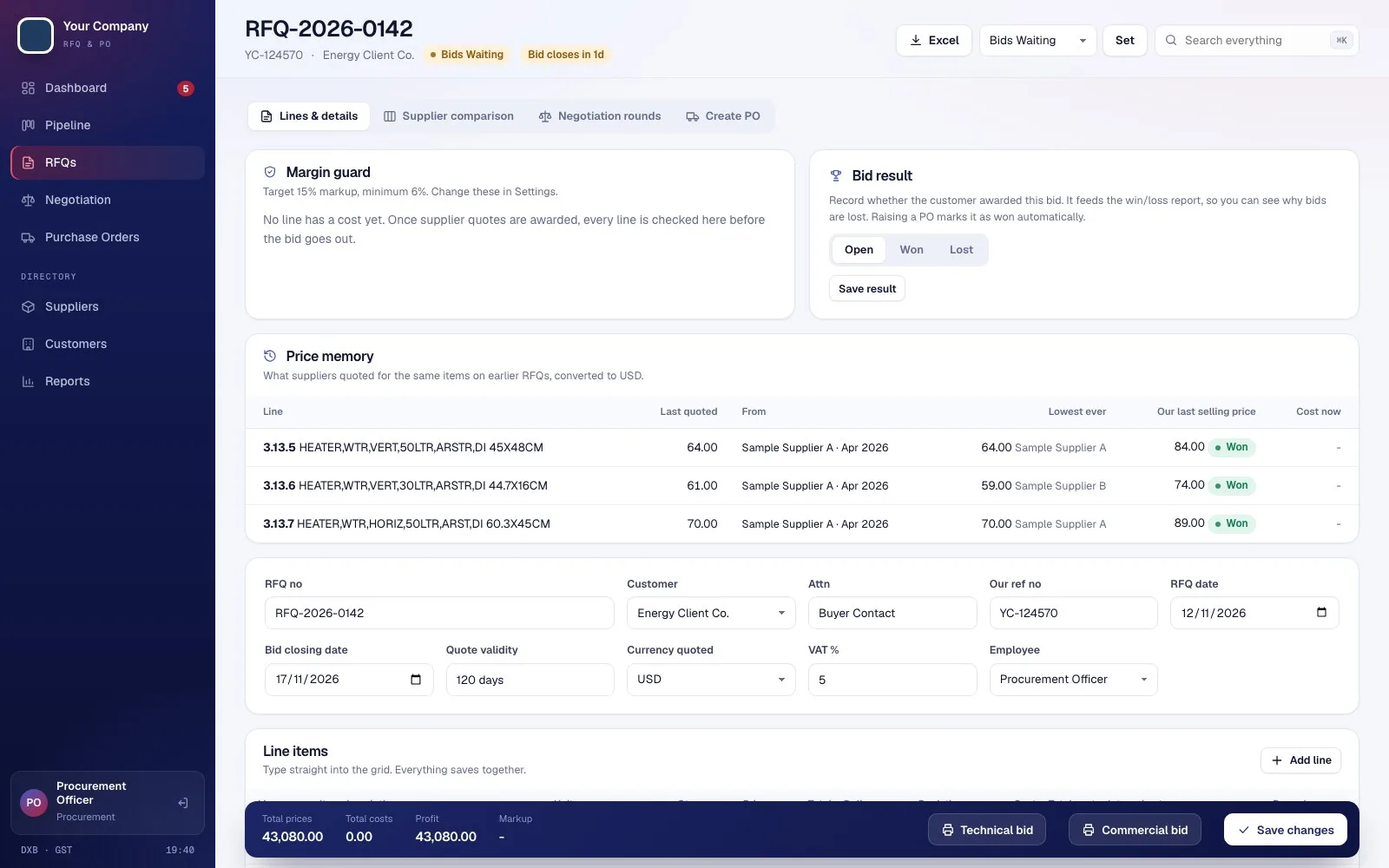
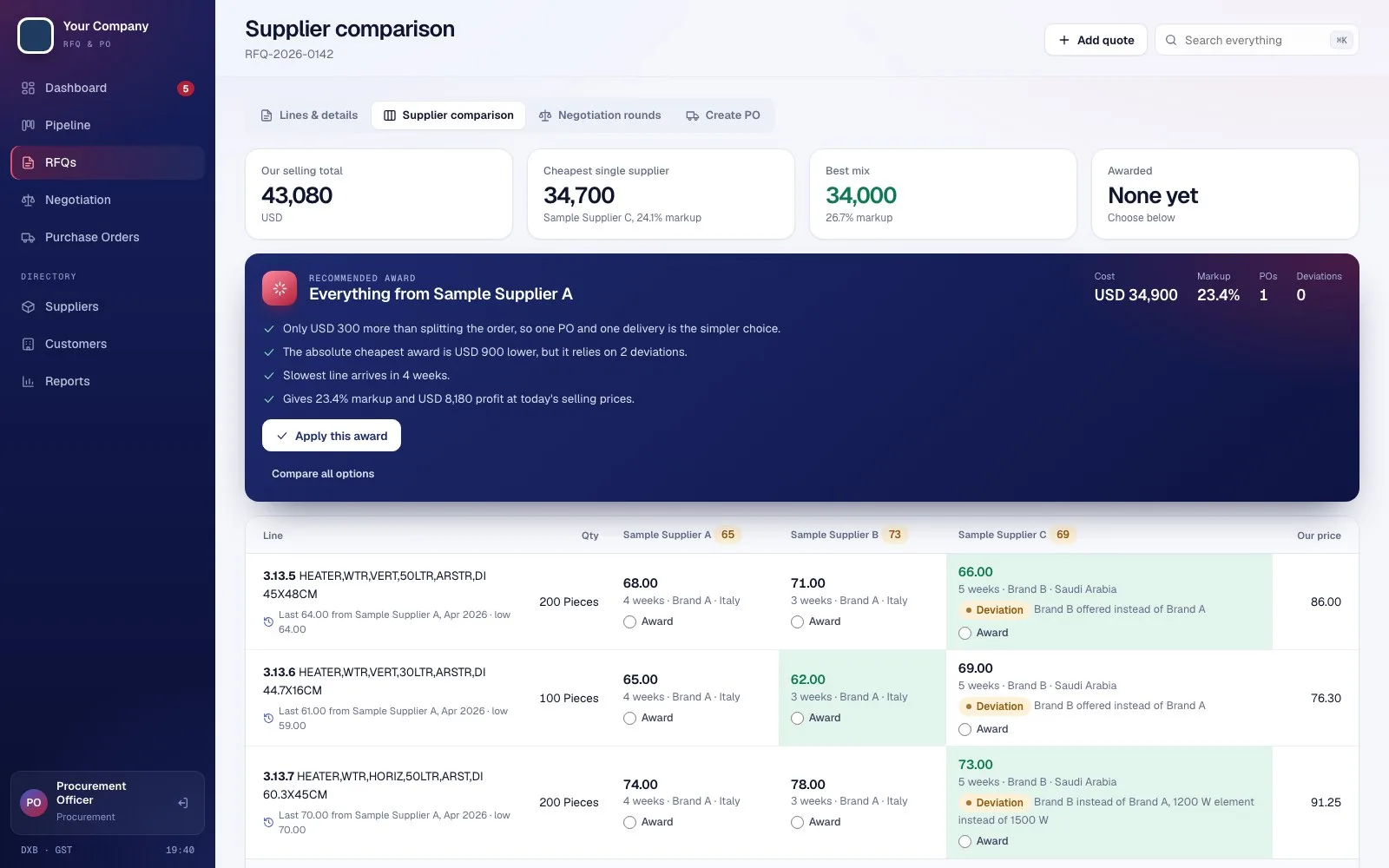
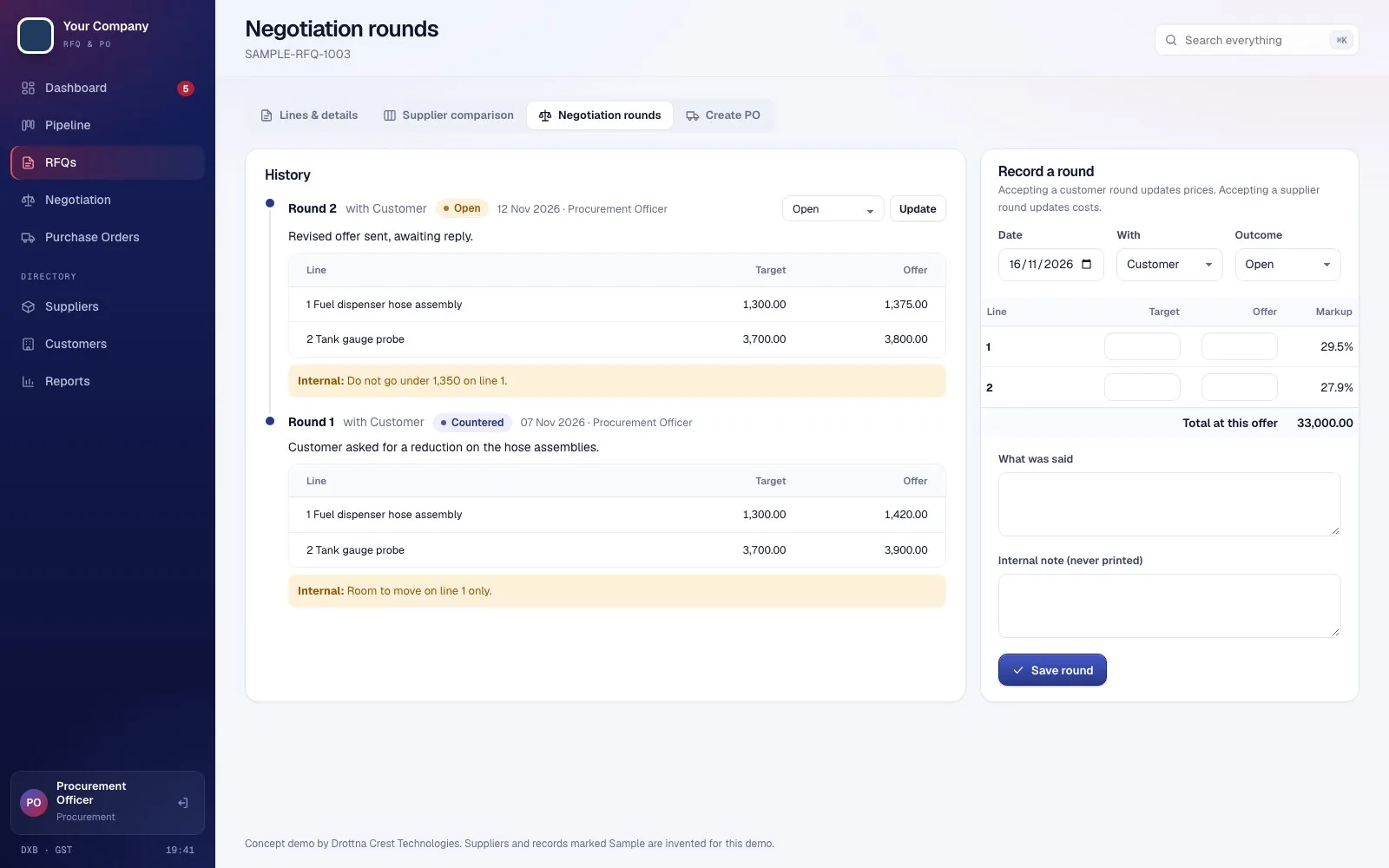
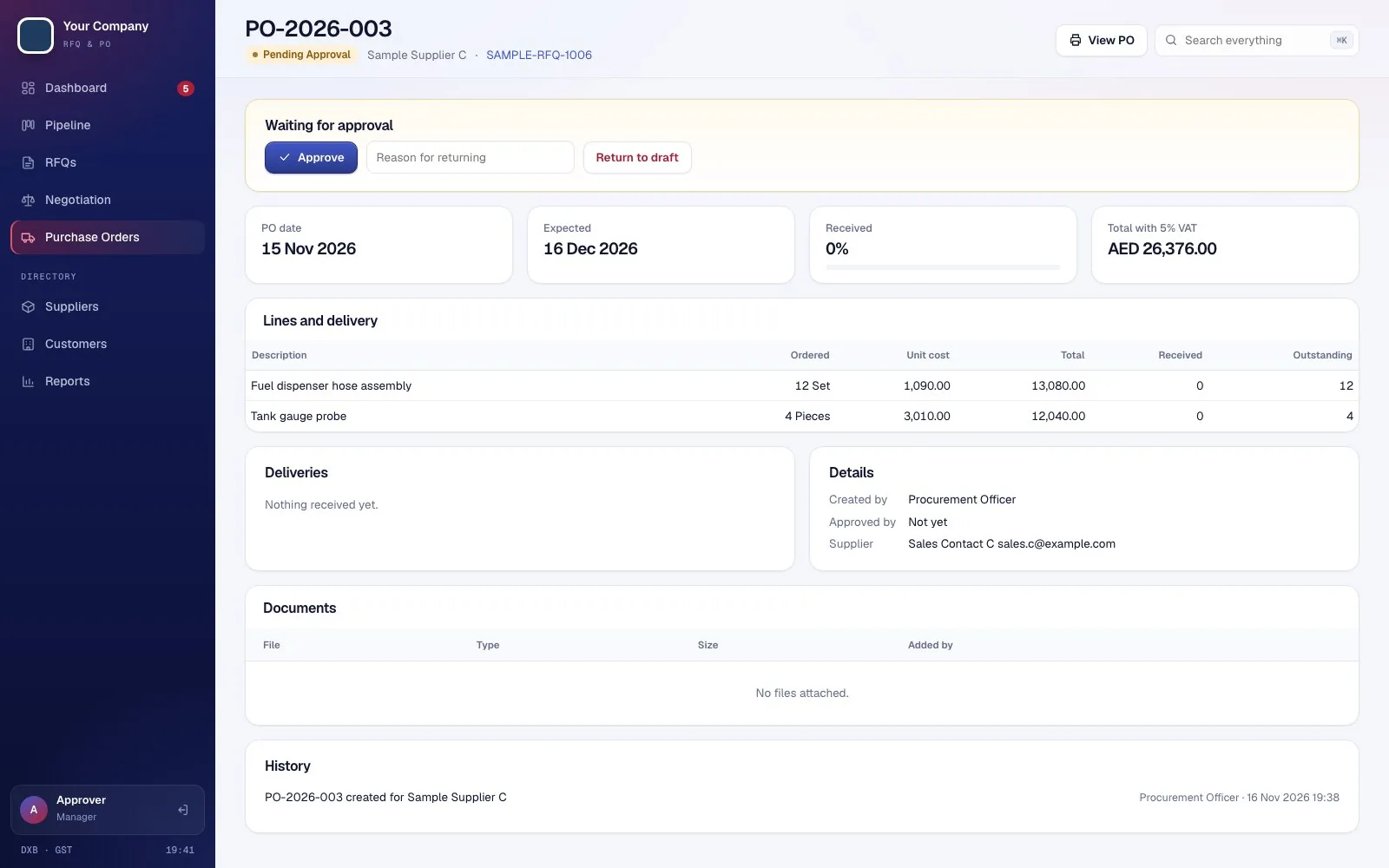
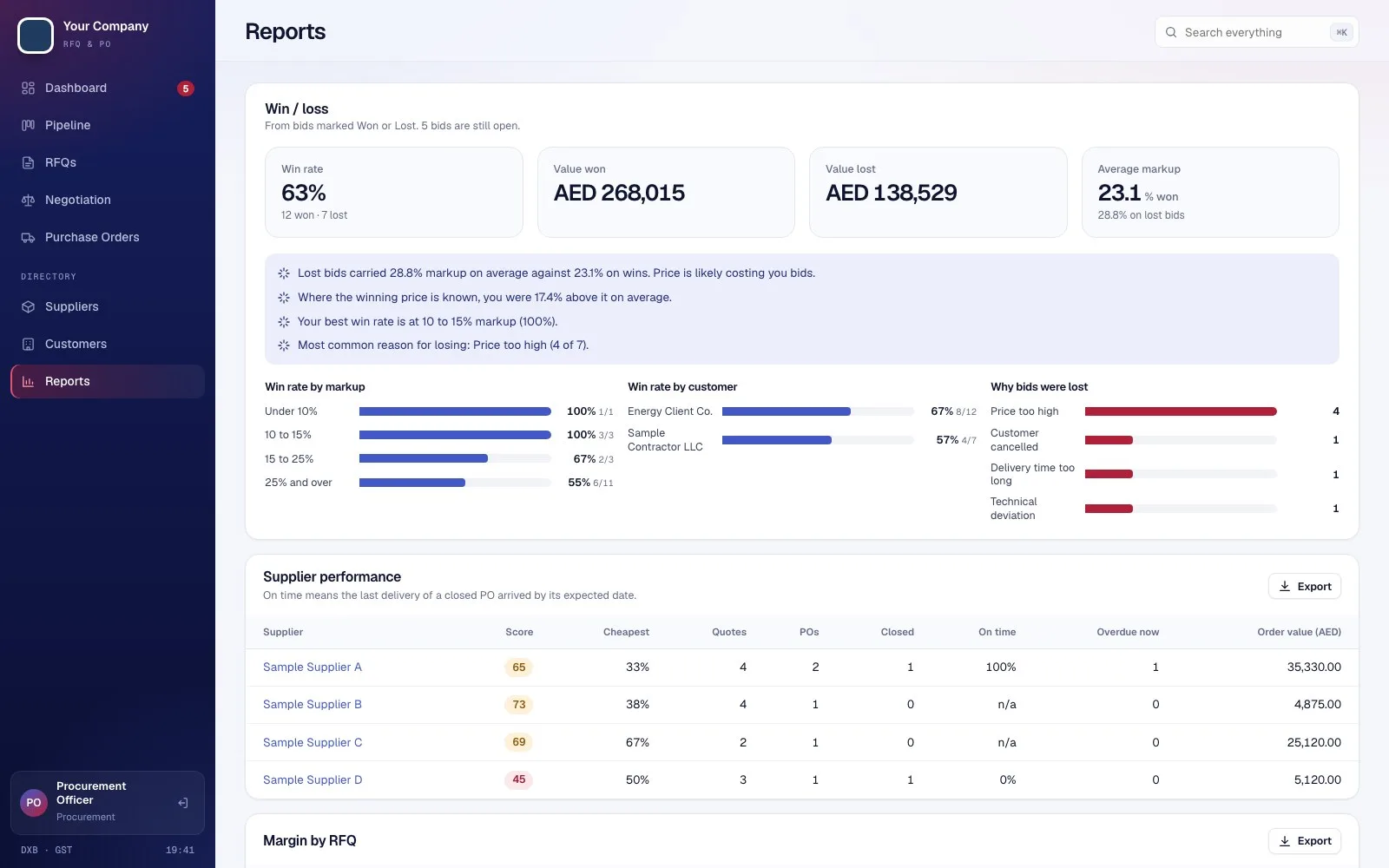
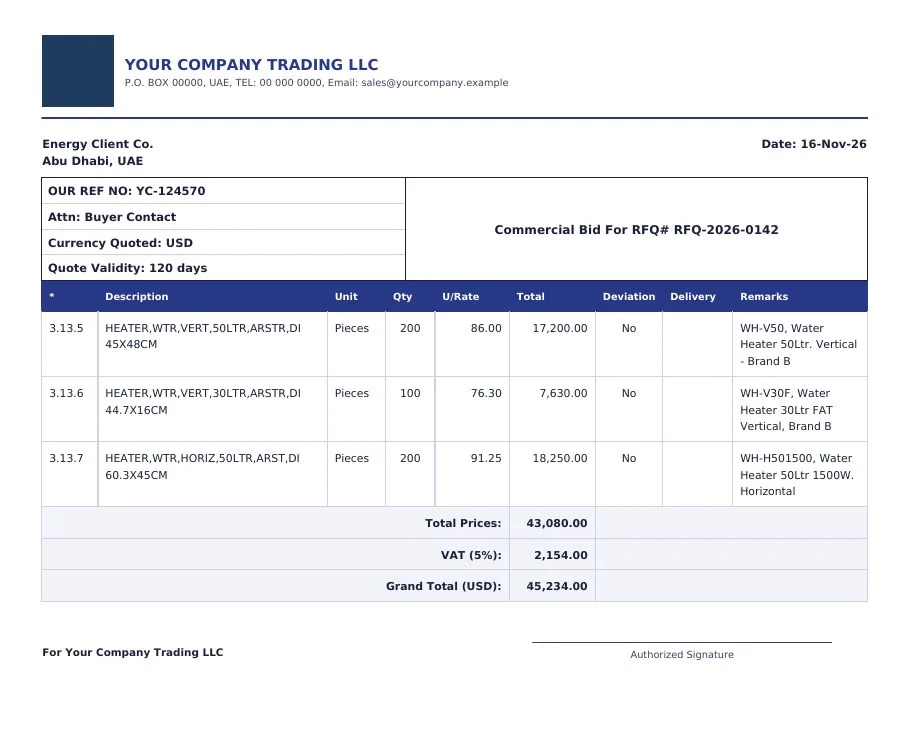
A custom RFQ (request for quotation) and purchase order system built for a trading company. It replaces an ageing desktop database with a secure web application. Staff create RFQs or import them from Excel in the customer’s own layout, compare supplier offers side by side, award items, run negotiation rounds with controlled mark-up, and raise purchase orders that move through approval, delivery and history. Technical bids, commercial bids and purchase orders are generated as PDFs, with four user roles and two-factor login.
- Industry
- Trading & distribution
- Timeline
- 4–10 weeks
- Platforms
- Web application, PDF documents
- Stack
- Laravel, React, TypeScript, PostgreSQL, Tailwind CSS
The challenge
The company ran its quotations and purchase orders on a single-user desktop database that only a few people understood. Importing customer requests was manual, supplier offers were compared by eye, and there was no approval trail.
Our solution
A modern web system that follows the team’s existing process step by step: import the RFQ, collect and compare supplier prices, award, negotiate, price the offer and raise the purchase order, with every approval and delivery recorded and every document produced in one click.
The outcome
- A legacy single-user database replaced by a secure multi-user web system
- Supplier offers compared and awarded on one screen
- Bids and purchase orders generated as PDFs with a full approval history
Key features
- RFQ creation & Excel import
- Reads requests in the customer’s own layout
- Supplier comparison
- Offers side by side, awarded item by item
- Negotiation rounds
- Rounds tracked, with controlled mark-up
- Purchase orders
- Creation, approval, delivery and history
- PDF documents
- Technical bid, commercial bid and purchase order
- Roles & security
- Four roles and two-factor login
Screens